Build a production-shaped Todo API
This tutorial builds a complete FastAPI application with Ormdantic. You will use SQLite while developing, review real migration artifacts in the Playground, and run the same application against PostgreSQL with Docker Compose.
The final application is not a toy script. Configuration, persistence models, request schemas, services, routes, migrations, and tests have separate modules. Every source file shown here is executed by the repository test suite.
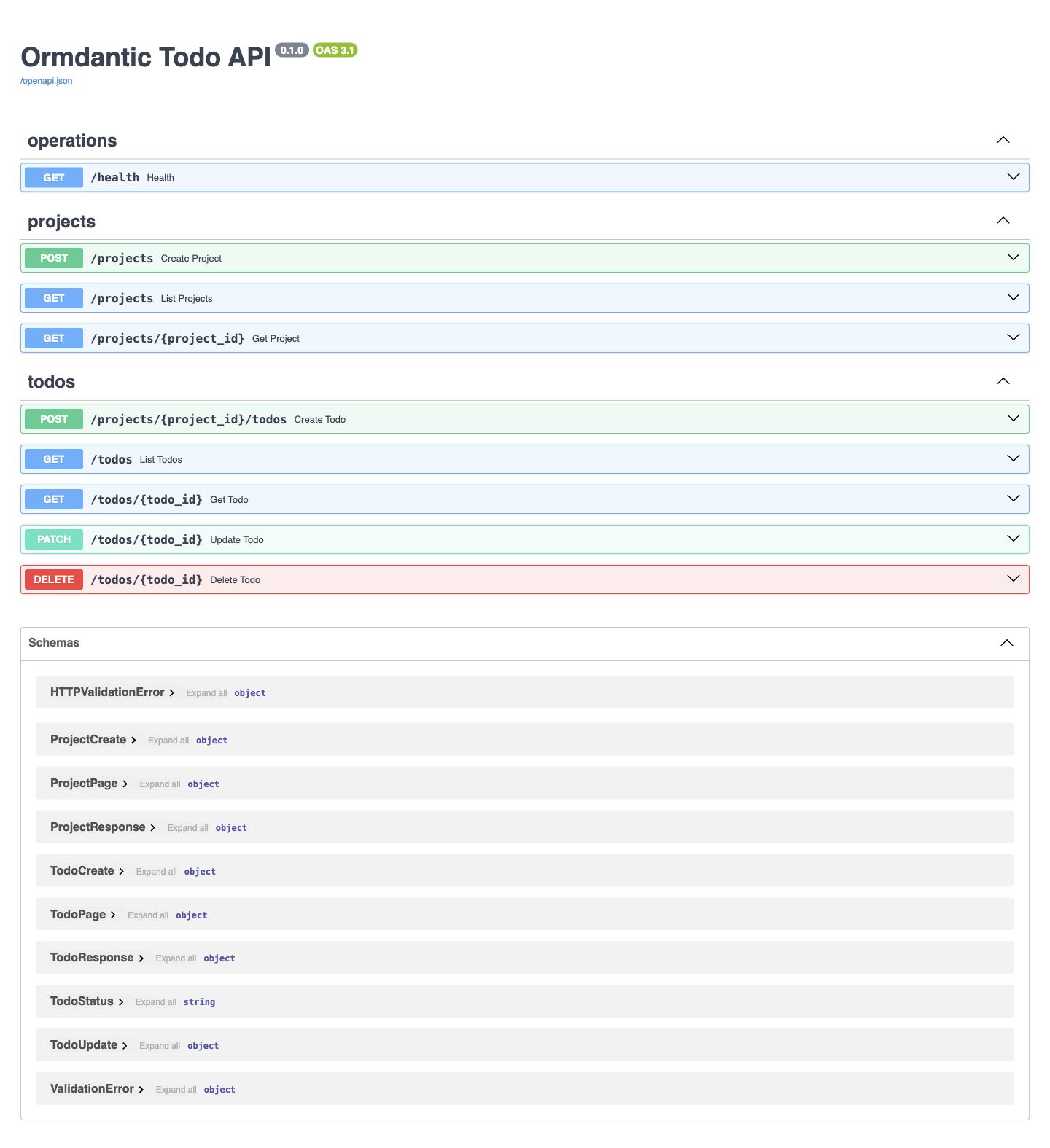
The running application exposes health, project, and todo operations through its generated OpenAPI interface.
What you will build
%% architecture
flowchart LR
    Client[HTTP client] --> API[FastAPI routes]
    API --> Service[TodoService]
    Service --> ORM[Ormdantic tables]
    ORM --> Dev[(SQLite development)]
    ORM --> Prod[(PostgreSQL production)]
    Models[Pydantic models] --> ORM
    Models --> Migrations[Dialect migration tracks]
    Migrations --> Dev
    Migrations --> Prod
The layers have deliberately narrow jobs:
config.pyvalidates environment variables and redacts database credentials.models.pydeclares the persisted Project and Todo tables.schemas.pyowns the HTTP request and response contract.service.pyowns transactions, typed filters, and relationship loading.routes.pytranslates HTTP operations into service calls.main.pyinitializes Ormdantic in FastAPI's application lifespan.migrations/contains checked and reversible SQLite and PostgreSQL histories.
Follow the tutorial
- Set up the example.
- Configure development and production.
- Understand the persisted models.
- Build CRUD operations and typed queries.
- Review and run migrations.
- Start PostgreSQL with Compose.
- Test the application.
- Use the production checklist.
For the underlying concepts, keep Database and tables, Relationships, and Migrations and reflection nearby.