Review and run migrations
You will apply the real two-revision history, inspect it in the Playground, roll the additive change back, and reapply it safely.
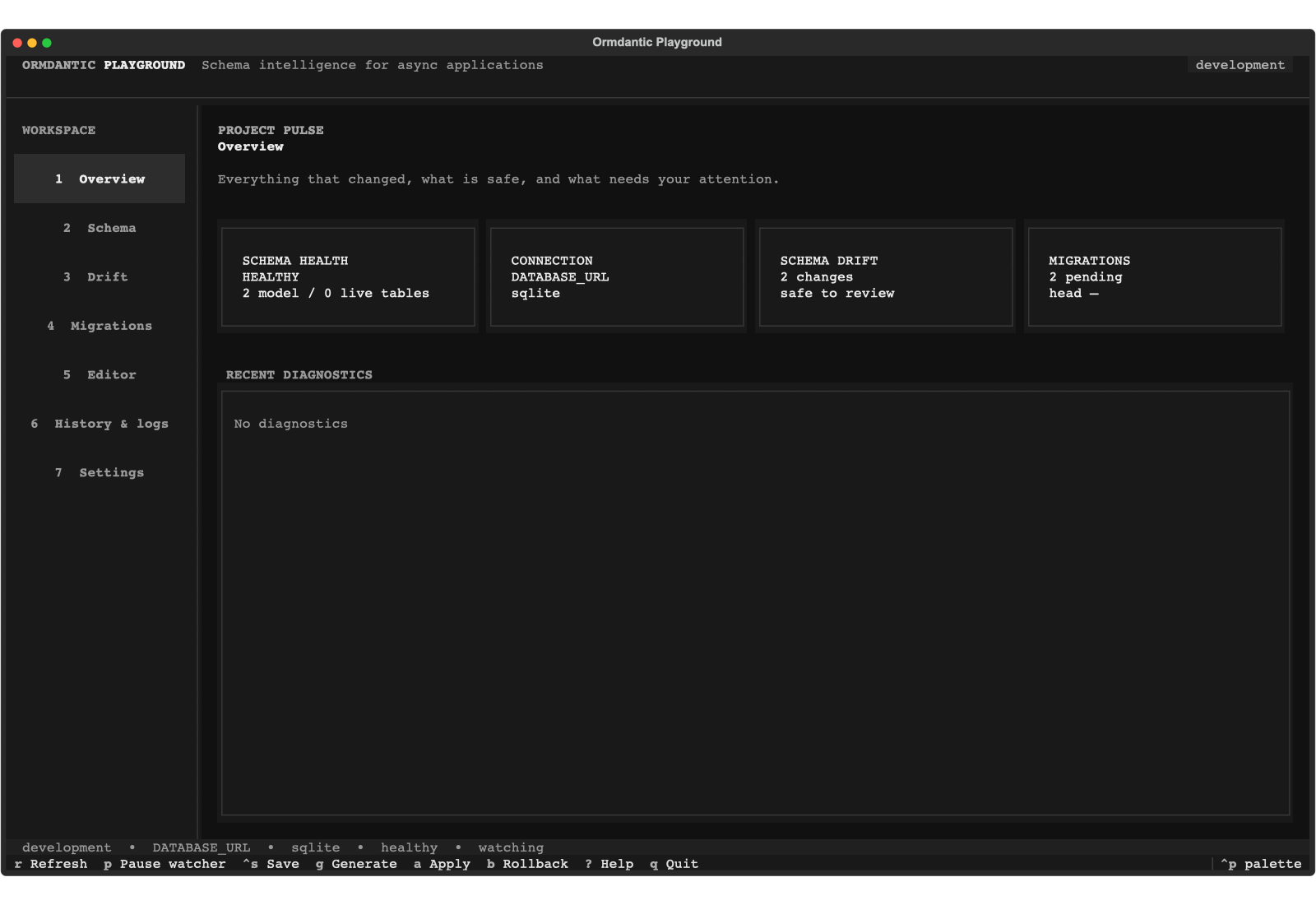
The Playground combines schema watching, migration history, safety diagnostics, and the embedded TOML/SQL editor without bypassing CLI safeguards.
%% migration flow
flowchart LR
    Models[Registered models] --> Snapshot[Target snapshot]
    Live[Live database] --> Diff[Schema diff]
    Snapshot --> Diff
    Diff --> Artifact[Checksummed TOML artifact]
    Artifact --> Review[Playground or CLI preview]
    Review --> Apply[Apply with safety policy]
    Apply --> History[Migration history]
Understand the two tracks
Both migrations/sqlite and migrations/postgresql contain:
0001_create_projects_and_todos0002_add_todo_due_date
The snapshots are equivalent, but the SQL is dialect-specific. PostgreSQL creates
a native enum and drops due_at directly. SQLite rebuilds the Todo table during
rollback to preserve its constraints. Never apply an artifact generated for a
different dialect.
Preview and apply SQLite
From examples/todo_app:
ormdantic migrations preview migrations/sqlite/0001_create_projects_and_todos.toml
ormdantic migrations apply-dir migrations/sqlite
ormdantic migrations status
ormdantic migrations history
Applying the same directory again is safe: recorded revisions are skipped after their checksum is verified. If an already-applied file changes, Ormdantic rejects the mismatch.
Use the Playground
ormdantic playground
Open the migration workspace to inspect source TOML and generated SQL side by side. The editor validates TOML, limits execution to the selected statement, and requires destructive review plus the environment's confirmation policy. In production, safeguards cannot be downgraded from configuration or the UI.
Rollback revision two only on disposable data while learning:
ormdantic migrations rollback \
  migrations/sqlite/0002_add_todo_due_date.toml \
  --allow-destructive
ormdantic migrations apply-dir migrations/sqlite
Rollback can destroy data stored in the removed column. Back up production data, review generated SQL, and test both directions before approval. See Migration safeguards and the migration API for exact behavior.